A real TV guide
Now and next on every channel and a full grid for the days ahead. Fix guides that run early or late with one setting.
 Tiffin TV
For Android TV and Fire TV
Tiffin TV turns your own IPTV playlist into a fast, good-looking TV: a full guide, catch-up, movies and series, all driven by the remote.

Features
Add the playlist from your provider and Tiffin TV does the rest: channels, guide, logos and your movie and series library, ready in seconds.
Now and next on every channel and a full grid for the days ahead. Fix guides that run early or late with one setting.
Missed it? Go back in the guide and play earlier shows on channels where your provider keeps an archive.
Pause any channel and pick up where you left off, even on channels without catch-up.
Browse posters, search, sort and continue watching from where you stopped, episode by episode.
Every screen works with the D-pad. Up and down change channel, OK opens the list, Back always does what you expect.
Type your playlist on your phone instead of the remote. It's encrypted so only your TV can read it.
Watch two to four channels at once. Handy on match day.
Set a reminder from the guide, keep favourite channels at hand and put channels in your own order.
Save your sources and settings, then restore them on a new TV by typing a short code. Encrypted with that code.
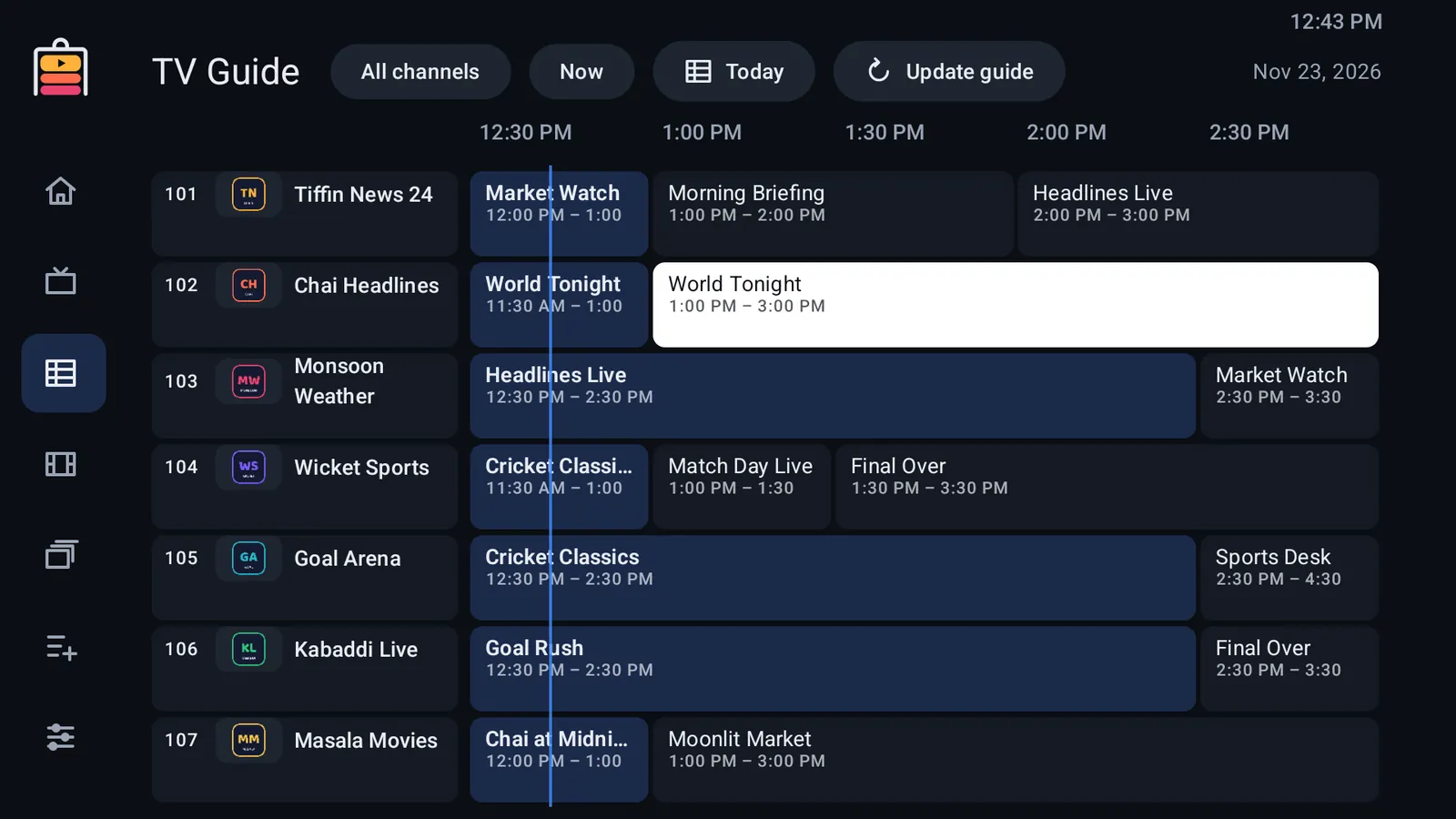
TV guide
A clean, fast grid that scrolls smoothly even with thousands of channels. Jump to any day, filter by group and press OK to watch or set a reminder.
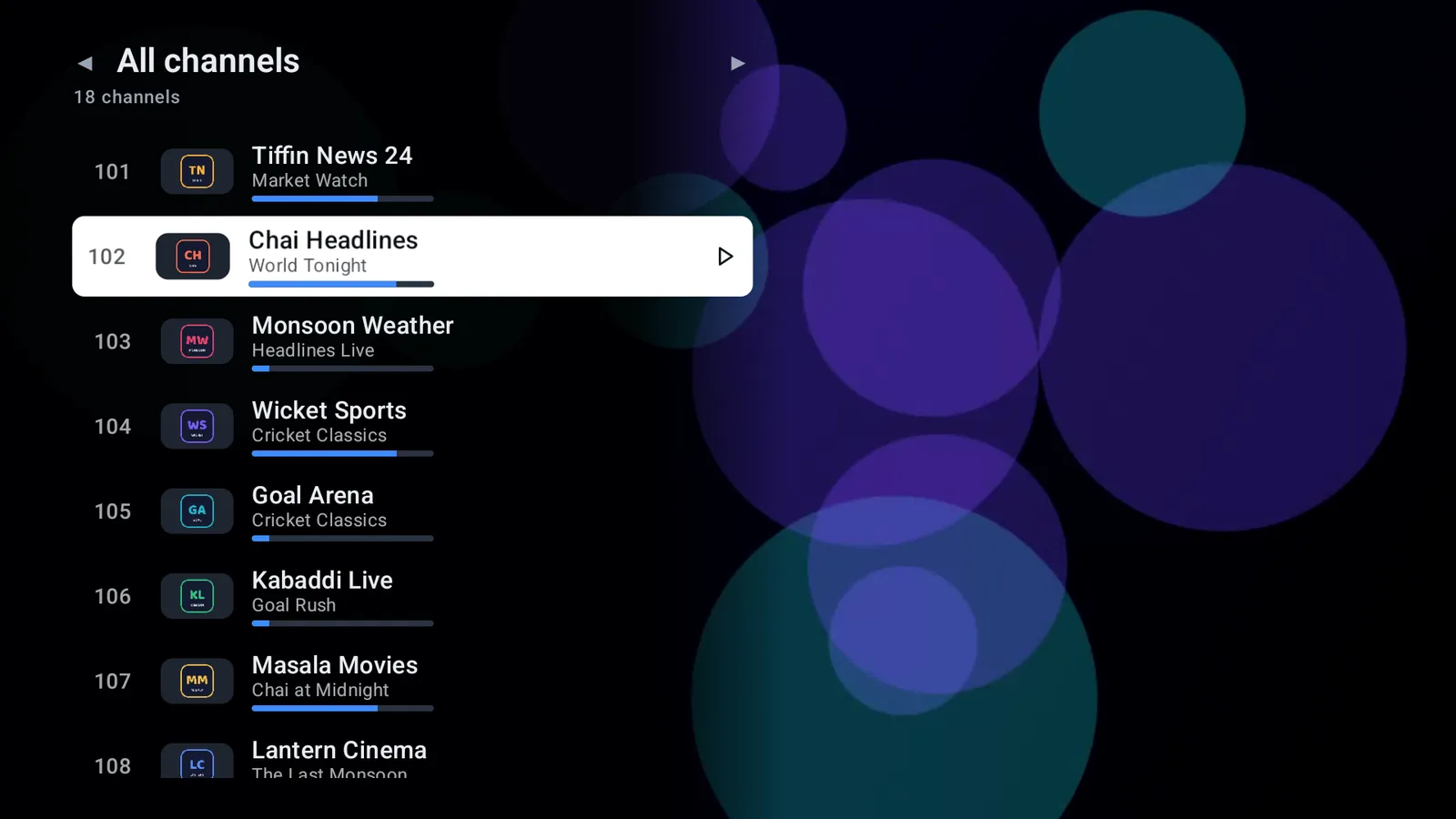
Watching
Press OK while watching and the channel list slides in over the picture. Flip back to the last channel, open groups, or go fullscreen again in one press.
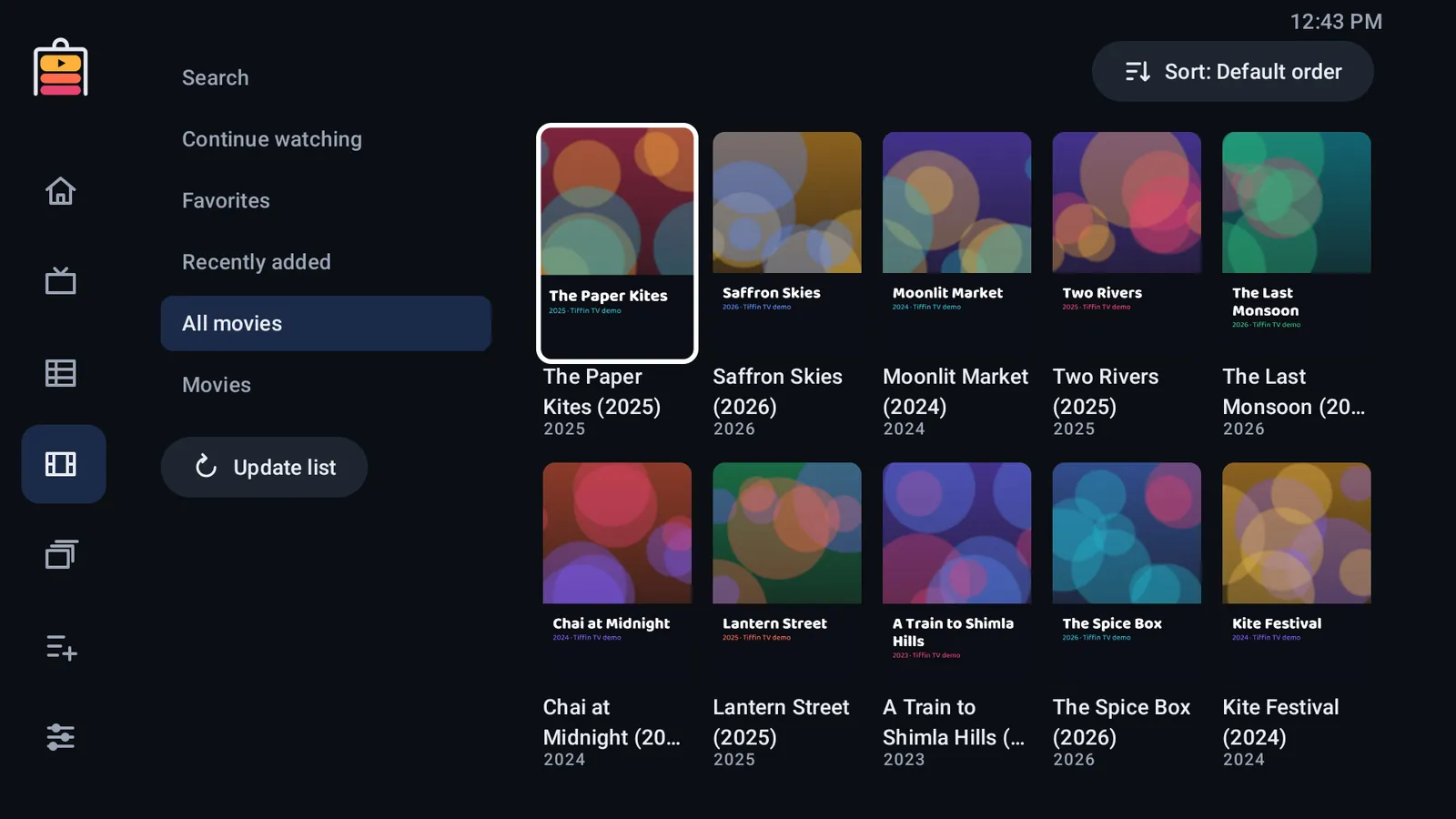
Movies and series
Movies and series from your provider, with posters, categories and search. Tiffin TV remembers where you stopped, so the next episode is one press away.
More screens
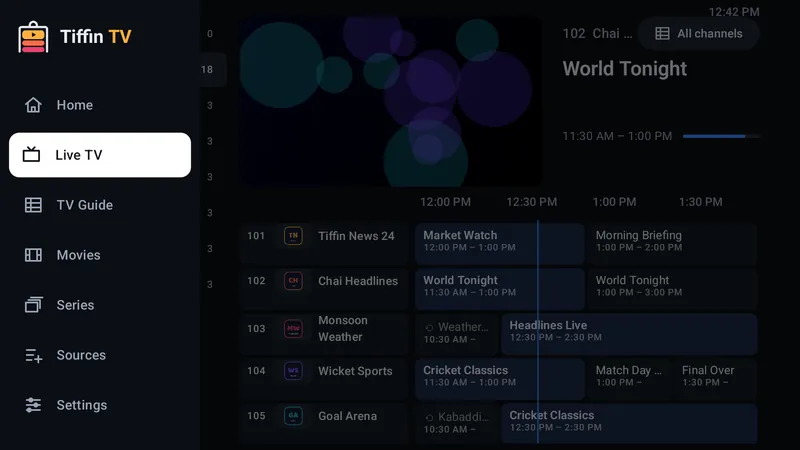
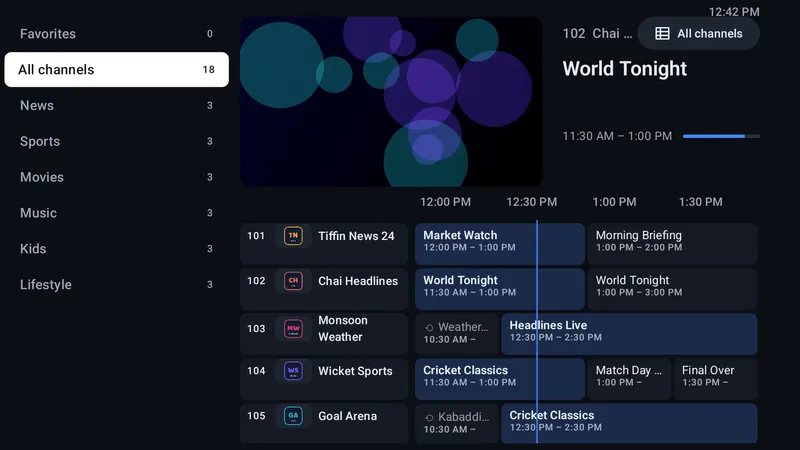
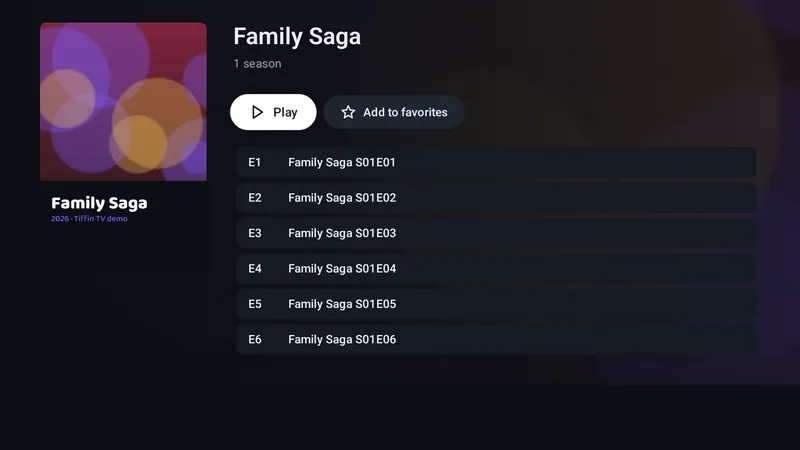
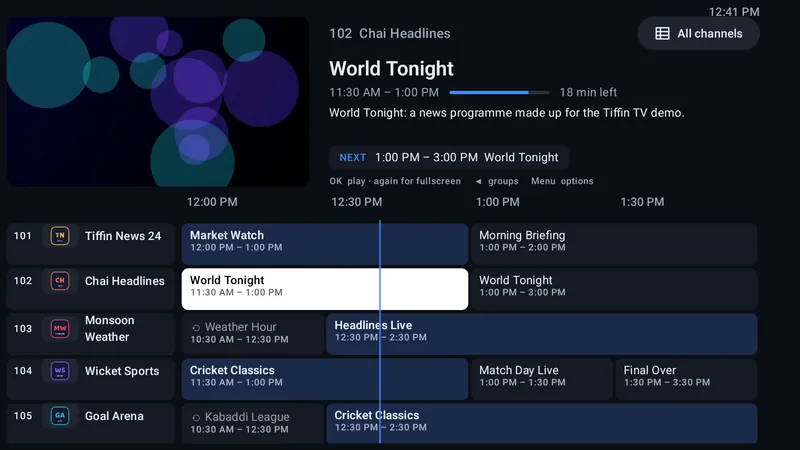
Screens show demo channels and titles made up for this site.
How it works
No account to create on the TV and no typing long passwords with the remote.
On Fire TV or Android TV, open the free Downloader app and enter:
tiffintv-web.pages.dev/get
The TV shows a QR code. Scan it with your phone and sign in with Google or email. Your first week starts, no card needed.
Paste your M3U link or Xtream or Stalker details on your phone, or type them on the TV. Channels and guide load in seconds.
Simple pricing
CA$8 / year
Try everything free for 7 days from the moment you sign in on your first TV. Need more TVs later? Add them to your subscription any time.
Questions
No. Tiffin TV is a player only. It doesn't include, sell or recommend any channels, playlists or content. You add sources you already have from your provider.
M3U and M3U8 playlist links, Xtream Codes logins and Stalker (MAG) portals, with guides from your provider or any XMLTV link.
Amazon Fire TV and Fire TV Stick, Android TV and Google TV boxes and TVs running Android 7 or newer.
Nothing is charged automatically: you never gave us a card. Subscribe from your account page whenever you're ready and your TVs carry on.
One subscription covers 3 TVs. After you subscribe you can add extra TVs from your account page for a small yearly fee each.
On your TV. When you set up from your phone, the details are encrypted for your TV before they leave the phone. Backups are encrypted with a code only you have.
Yes. Install the app and send a photo of the code on your TV to whoever helps you. They can link the TV and add your playlist from their phone.
Install Tiffin TV in a couple of minutes. Your first week is on us.